
Startups collect tech almost by accident. A laptop gets replaced but stays in a drawer. A monitor loses its main job but remains “just in case.” Soon, there’s a box of cables under someone’s desk and a printer no one wants to troubleshoot. What startups should do when office tech gets outdated is not just an office-cleanup question. It affects security, budget, and the team’s smooth operation.
Old gear can feel harmless until it slows down a demo or holds data no one remembered was there. A better plan helps teams decide what still has value and what needs to leave the building safely.
Take Stock Before Tossing Anything
Start with a quick inventory. It does not need to become a giant spreadsheet. The goal is simple: figure out what the company owns and whether each item still has a job.
Ask a few direct questions. Does the device work? Who used it last? Does it hold company data? Can it still receive updates? Would anyone miss it if it left the office?
This step usually reveals easy wins. A spare monitor might help with design testing. A slow laptop might work as a backup presentation machine. A broken printer may only take up space.
It also helps to group devices by status. Keep usable equipment in one area. Move dead equipment somewhere else. Set aside anything with stored data until someone properly wipes it.
Know the Difference Between Old and Risky
Not every old device creates the same problem. Some equipment only looks dated. Other gear can create security risks or waste hours of troubleshooting.
Anything with stored data needs extra care. Laptops, phones, external drives, printers, and old servers may contain files or network settings. Before a device leaves the company, the team should properly wipe it or destroy its storage media as needed.
Unsupported software also deserves attention. If a device can no longer receive security updates, it should not sit near sensitive company systems. A team can keep a legacy device for testing, but access should stay limited.
Reuse Gear When It Still Helps
Startups often stretch budgets, so reusing equipment makes sense when it still works safely. The trick is matching the device to a job it can still handle, instead of expecting old tech to perform like new equipment.
Give Older Devices Smaller Jobs
An older tablet can become a meeting room display. A spare monitor can support layout reviews. A retired laptop can stay ready for slide decks or travel backups.
Keep expectations realistic. Reuse should save time, not create another troubleshooting project. If no one has used the device after a few months, it probably does not need to stay.
Get Creative With Tech That No Longer Works
Not every outdated device needs to disappear immediately. Some old tech can become part of an office’s personality, especially in startups with a design, coding, or maker culture.
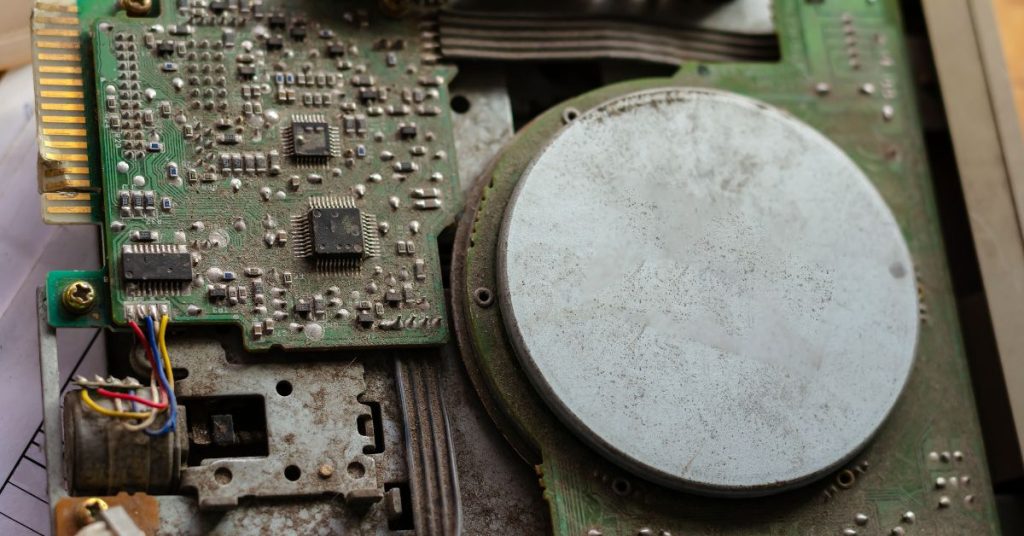
A dead keyboard can become wall art. Old circuit boards can sit inside a framed display. A retired monitor shell can become part of a playful office installation. The point is not to keep clutter for nostalgia. It is to give a few interesting pieces a second life when they no longer serve a technical purpose.
Startups can also commission a local artist to create something from retired parts. That could mean a lobby piece, a conference room display, or a small branded installation for the team area. It gives the office a more personal feel and keeps a few items out of the waste stream.
The key is restraint. One thoughtful piece can look intentional. A pile of old devices on a shelf looks like no one cleaned up.
Donate or Resell Working Devices
Some outdated office tech still has value outside the startup. A local nonprofit, school program, or community group may need working devices that a growing company no longer uses.
Before donating, wipe company data and test the item. Do not pass along equipment that creates problems for the next person. A working laptop with a charger may help someone. A broken printer with expensive ink may become a burden.
Some devices can also bring money back into the business. Laptops, tablets, and monitors often hold value if they remain in good condition. Keep sale records with serial numbers and dates so asset tracking does not get messy later.
Recycle Gear That Has Reached the End
Some tech no longer deserves another life. Damaged batteries, cracked monitors, and broken drives need proper recycling.
Startups should use trusted electronics recycling programs instead of sending old devices to regular trash. Electronics can contain materials that need careful handling, especially when components include batteries or circuit boards.
The same thinking applies to higher-risk waste streams. A company that wants to understand the consequences of improper disposal of hazardous waste can use industry guidance to see why electronics-related materials need a controlled exit plan.
Wipe Data Before Anything Leaves
Data security should sit at the center of every tech retirement decision. A device may look useless and still contain sensitive information.
For computers, a normal file deletion is not enough. Teams should use secure wiping tools or remove drives for destruction. For phones and tablets, remove accounts and complete a full reset before the device leaves.
Don’t Forget Printers and Routers
Printers and routers deserve attention, too. Some printers store job history. Old routers may keep configuration data. Those details should not be left on the device.
Create a Simple Retirement Rule
Startups do not need a huge policy document. They do need a repeatable rule for old equipment.
A useful rule should answer a few questions:
- Who approves replacements?
- Who wipes company data?
- Where does retired gear wait before disposal?
- Which recycling or donation options can the team use?
- How often does the team review stored equipment?
A quarterly check can keep clutter from growing. It also stops every old laptop from turning into a new debate.
Think Beyond the Purchase Price
Old tech costs more than it seems—a slow device wastes time. An unsupported system adds risk. Unused equipment takes up space that the team could use more effectively.
A startup should compare the cost of keeping a device versus replacing it. Sometimes a planned upgrade saves money by preventing interruptions. Other times, a reused device can do the job perfectly well.
The goal is not to constantly buy new gear. The goal is to keep tools useful and safe.
Turn Cleanup Into a Better Habit
Outdated tech does not need to become an office headache. With a simple process, startups can turn old gear into a useful decision point.
How startups can manage outdated office tech comes down to secure data handling, smart reuse, and responsible recycling. When teams develop habits early, they safeguard company info and keep the workspace prepared for better tools. They also prevent the common startup issue of discovering unknown devices just when quick action is needed.


