
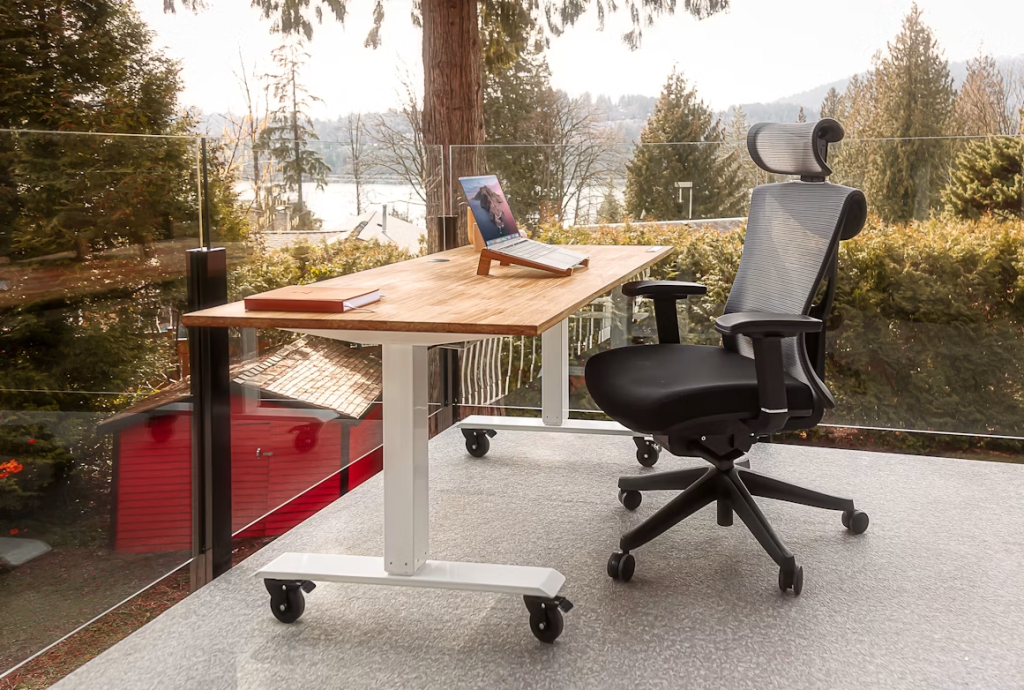
 Image Credit: Unsplash
Working from home has gone from a temporary fix to a permanent thing for lots of us. And while that flexibility is awesome, it’s also brought some new physical challenges. Trying to work from your dining table or couch can quickly lead to a sore back, stiff neck, and a real dip in how much you get done.
Setting up an ergonomic home office isn’t about spending a fortune on fancy gadgets; it’s about making smart, thoughtful changes that support your body and mind, like the ideas you’ll find at the home office gear guide.
By focusing on your posture and how you work, you can turn your workspace into a place that helps you stay healthy and efficient.
Assessing Your Current Setup
Before you can make your home office better, you need to figure out what’s not working.
Take a quick moment to check in with yourself. Sit at your desk like you normally would and just notice how your body feels. Are your feet flat on the floor, or are they dangling? Are your wrists bent at an awkward angle when you type? Do you find yourself leaning forward to see your screen? These little aches and pains are often early signs that your setup isn’t quite right.
Here’s a neat trick: ask someone to snap a picture of you while you’re working. Seeing yourself from an outside perspective can really show you if you’re slouching or twisting in ways you didn’t even realize.
The goal is to get into a “neutral posture,” which just means your joints are naturally lined up and your muscles are relaxed. Think of it this way: your ears should be roughly over your shoulders, your shoulders should be relaxed, and your elbows should be bent at about a 90-degree angle.
As you look at your space, you’ll start to spot the issues. Maybe your chair doesn’t support your back, your monitor is too low, or your keyboard forces your wrists into an uncomfortable spot.
Pinpointing these problems is the first step to building a better workspace, and the solutions can be as simple as tweaking your current gear or adding helpful ergonomic gadgets designed to fix these exact issues.
Choosing the Right Chair
Your office chair is really the heart of an ergonomic workspace. If you’re still using a dining chair or a stool, upgrading this is the single most important change you can make. A good ergonomic chair isn’t just a fancy extra; it’s a tool that actively helps prevent muscle and joint problems.
When you’re looking for a chair, don’t just pick one because it looks nice. Focus on how much you can adjust it, because the best chair is one you can customize to fit your unique body.
Here are the main things to look for:
- Lumbar Support: The chair should have a curved backrest that supports the natural “S” curve of your spine, especially your lower back. Some chairs even let you adjust this support to get it just right.
- Height Adjustment: Your feet should be flat on the floor with your knees bent at a 90-degree angle. A lever to easily change the seat height is pretty standard and super important.
- Armrest Adjustability: Armrests should support your arms without making your shoulders hunch up. Look for ones that you can adjust up and down, and even side to side, so your shoulders can stay relaxed.
- Seat Depth: You should be able to sit with your back against the backrest and still have about two to three inches between the front edge of the seat and the back of your knees.
Finding the right chair for your needs means finding one that fits your height, weight, and daily tasks. A chair that works great for a tall person might be completely wrong for someone shorter. If you can, try out chairs in person, or at least read reviews from people who have a similar body type to yours.
Desk Height and Monitor Placement
Once you’ve got a supportive chair, the next step is to set up your desk and monitor correctly. How your chair, desk, and screen work together really dictates your posture more than anything else.
Your desk should let you work with your arms and wrists in a neutral, straight position. The perfect desk height means your elbows are bent at a 90-degree angle when your hands are on the keyboard. If your desk is too high, you might need to raise your chair, which could lift your feet off the floor. If it’s too low, you’ll find yourself hunching over.
Where you put your monitor is just as crucial for avoiding neck and shoulder pain. Just follow these simple tips:
- Height: Position your monitor so the very top of the screen is at or just below your eye level. You should be able to look at the middle of the screen by glancing slightly down, not by craning your neck up or down.
- Distance: Your monitor should be about an arm’s length away. If you have to lean in to read text, it’s probably better to just make the font size bigger on your computer instead of moving the screen closer.
If you have a desk with a fixed height, a monitor stand or even a sturdy stack of books can help you get the screen to the right level. If you’re thinking about a bigger upgrade, an adjustable sit-stand desk is a fantastic investment. Switching between sitting and standing throughout the day can really improve your circulation and cut down on the strain of a sedentary job.
Ergonomic Tools for Daily Use
Beyond just your chair and desk, a bunch of other tools can fine-tune your workspace for maximum comfort and productivity. These accessories are designed to fix specific ergonomic issues and can make a surprisingly big difference in how you feel at the end of the day.
An ergonomic keyboard, often with a split or curved design, lets your wrists and forearms stay in a more natural position, which helps reduce the risk of repetitive strain injuries. Pair that with an ergonomic mouse, shaped to fit the curve of your hand, and you can ease wrist and finger fatigue.
If your feet don’t quite reach the floor comfortably even with your chair at the right height, a simple footrest can give you the stability you need. This makes sure your legs are properly supported, which in turn helps keep your lower back in good posture.
For those who often look at physical documents while typing, a document holder placed right next to your monitor can prevent that constant neck movement of looking down at your desk and then back up at the screen.
Regular Movement and Breaks
Even the most perfectly designed ergonomic office isn’t healthy if you stay glued to it for eight hours straight. Our bodies are made to move, and sitting for too long can lead to all sorts of health issues.
Building regular movement and breaks into your workday is just as important as your physical setup. Standing up and moving around helps your blood flow, reduces muscle stiffness, and can even sharpen your focus when you get back to your desk.
A simple and effective method is the Pomodoro Technique: work for 25 minutes, then take a five-minute break. During that break, stand up, stretch, and walk around. Research from Cornell University shows that these short, frequent breaks are actually more helpful for managing discomfort than fewer, longer ones.
Another great habit is the 20-20-20 rule to fight digital eye strain: every 20 minutes, look at something 20 feet away for at least 20 seconds. Simple stretches you can do at your desk can also bring a lot of relief. Try gentle neck rolls, shoulder shrugs, and wrist circles to release tension.
The main idea is to make movement a non-negotiable part of your routine. Set a timer on your phone or use a browser extension to remind you to get up and move.
Building an ergonomic workspace is really an ongoing journey of listening to your body and making adjustments. Investing in a few key upgrades and committing to regular movement will help you create a home office that supports your long-term health and keeps you productive for years to come.